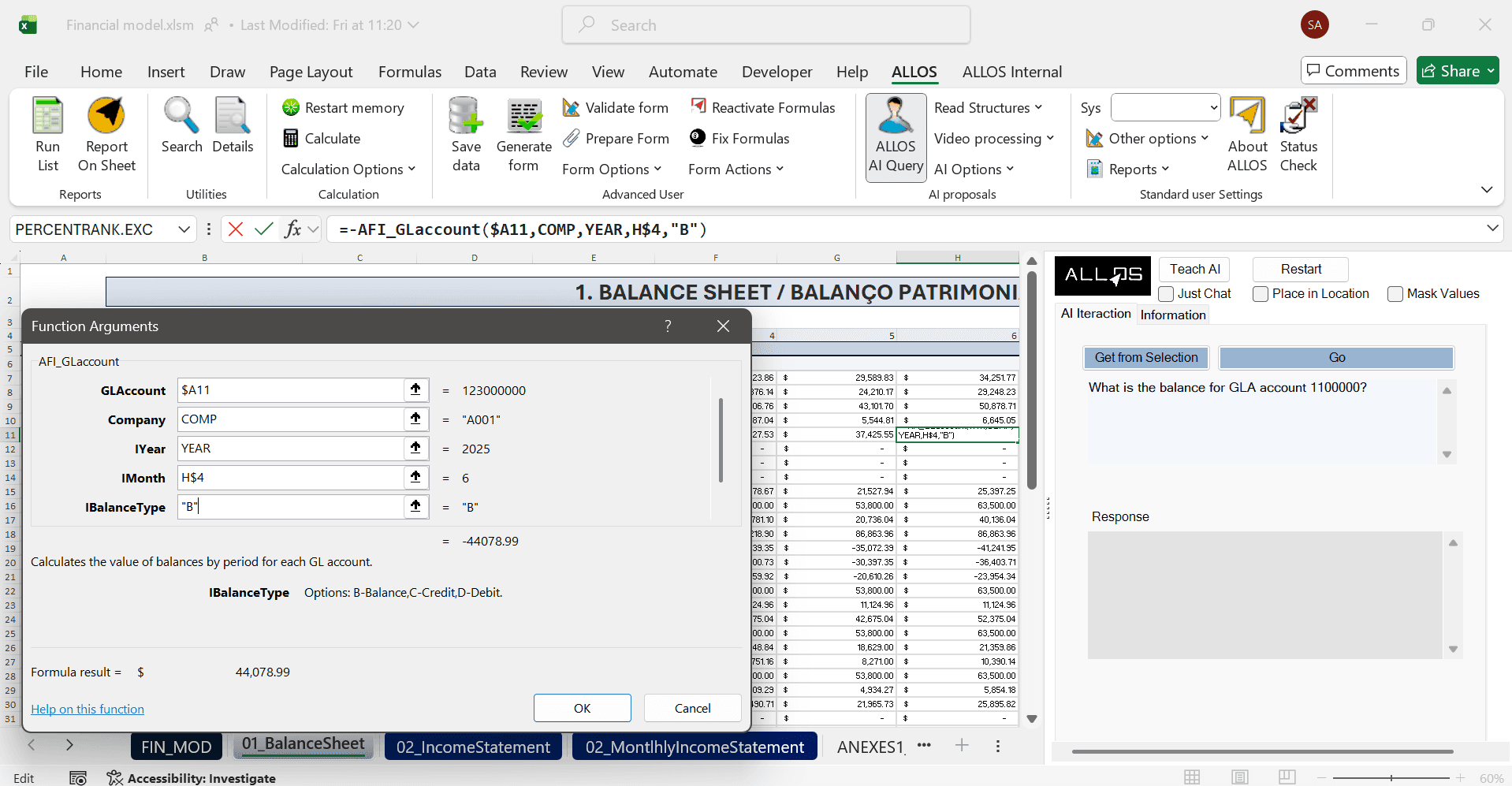
What is
ALLOS Query is a natural language interface for enterprise data.
Instead of navigating database structures or manually building formulas, users simply describe what they need. ALLOS Query determines the appropriate ALLOS Formula, generates it with the required parameters and executes it against the connected data sources.
Through the Excel add-ins for GPT, Claude and Microsoft Copilot, users can also receive assistance in creating and applying ALLOS Formulas, making enterprise reporting accessible to both technical and business users.
ALLOS Query supports multiple response types, including:
Single values
Dynamic tables and lists
Charts
Process diagrams (Claude via Ask Diagram)
Dedicated AI formulas include:
Ask Simple — returns a single value from a natural language request. (any LLM can be used: Grok, Gemini, DeepSeek, ChatGPT, Claude, etc.)
Ask Tab — generates dynamic tables and lists. (any LLM can be used: Grok, Gemini, DeepSeek, ChatGPT, Claude, etc.)
Ask Diagram (Claude) — generates diagrams from natural language descriptions.
Critical: AI never accesses, stores, or executes on enterprise data directly.
More detail: AI with Guardrails: What “Responsible AI” Really Looks Like Inside a Company

Business users often know the information they need but not:
which database contains it;
which table or field should be queried;
which ALLOS Formula should be used;
how to construct the required formula correctly.
Traditional reporting therefore requires knowledge of SQL, database structures or ALLOS Formula syntax.
ALLOS Query removes this complexity by allowing users to describe the desired outcome in natural language. AI assistants can interpret the request, generate the appropriate ALLOS Formula and retrieve the required information without requiring users to understand the underlying implementation.
More information: AI Without Data Risk: Why ALLOS Redefines Security for the Enterprise
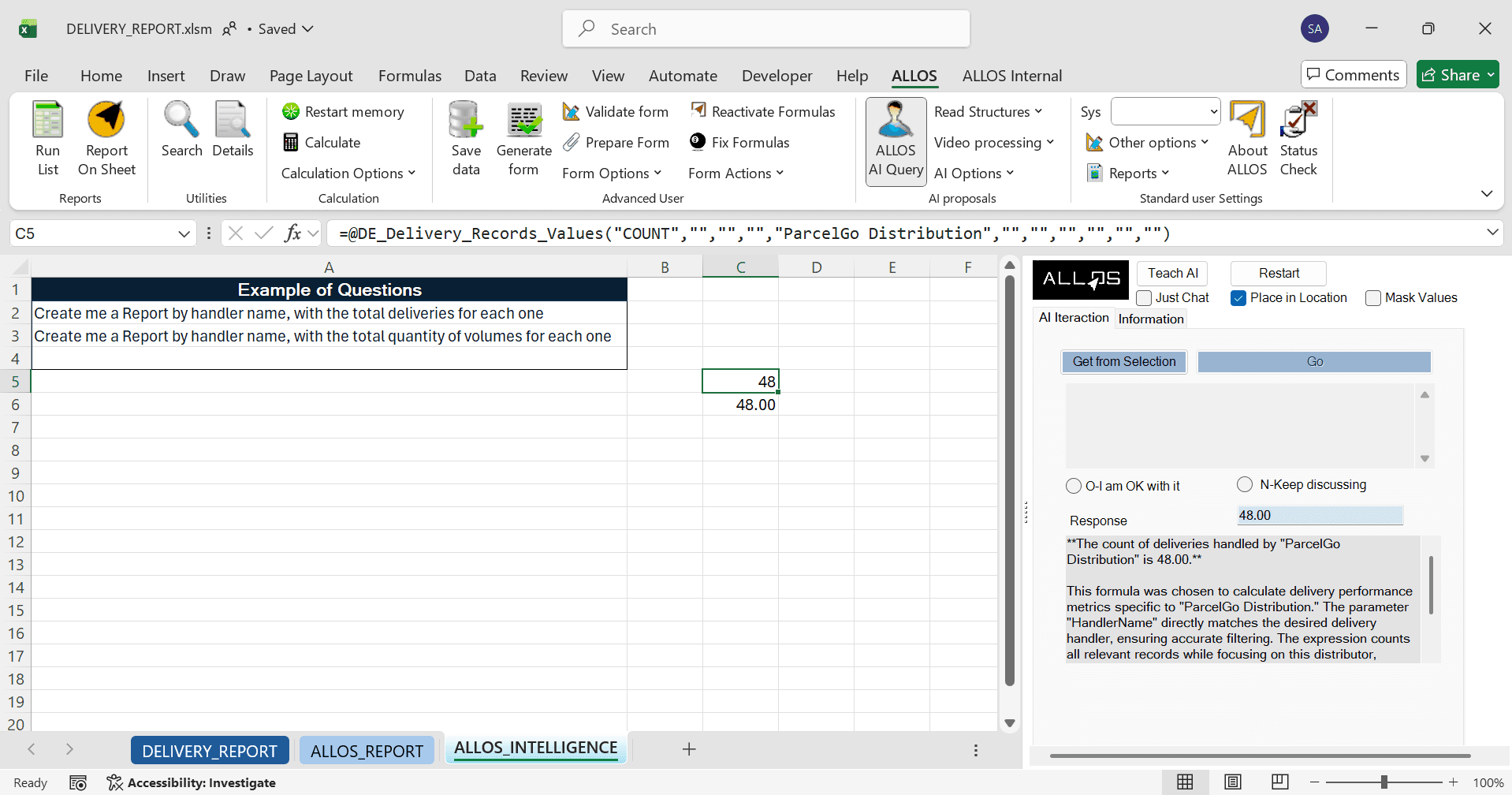
The user enters a business question in Excel Addin LLM Chatbox or in ALLOS AI QUERY
ALLOS, GPT, Claude or Microsoft Copilot interprets the request.
The AI identifies the appropriate ALLOS Formula.
ALLOS AI Query or LLM'S generates the formula using the correct parameters.
The formula retrieves live data from the configured enterprise data sources.
The results are returned directly into Excel as values, lists, charts or diagrams.
Because the output is a standard ALLOS Formula, users retain full visibility of how the result was produced and can refresh, audit or reuse it like any other ALLOS report.


ALLOS Query maintains the same security model used throughout the ALLOS platform.
AI assistants generate ALLOS Formulas but never access enterprise databases directly.
Data retrieval is performed exclusively by ALLOS Formulas using the organization's configured data connections.
User permissions continue to be enforced by ALLOS before any data is returned.
Existing security, auditing and governance policies remain unchanged regardless of which AI assistant is used.
Generated formulas remain visible inside Excel, providing transparency and traceability of every query.
Typical uses: Generating Formulas from natural language, Querying in Excel/Word, Assembling Reports with traceable outputs.

ALLOS Query transforms enterprise reporting from manual formula construction into a conversational experience.
Business users can retrieve live data, generate reports, create lists, build charts and produce diagrams using natural language, while ALLOS continues to provide deterministic formula execution, governed data access and full auditability.
By combining GPT, Claude and Microsoft Copilot with the ALLOS Formula engine, organizations enable users to work more independently without changing existing reporting processes, security models or enterprise data architecture.