ALLOS / INSIGHTS
ALLOS / INSIGHTS
Excel as the Decision Layer
Excel as the Decision Layer
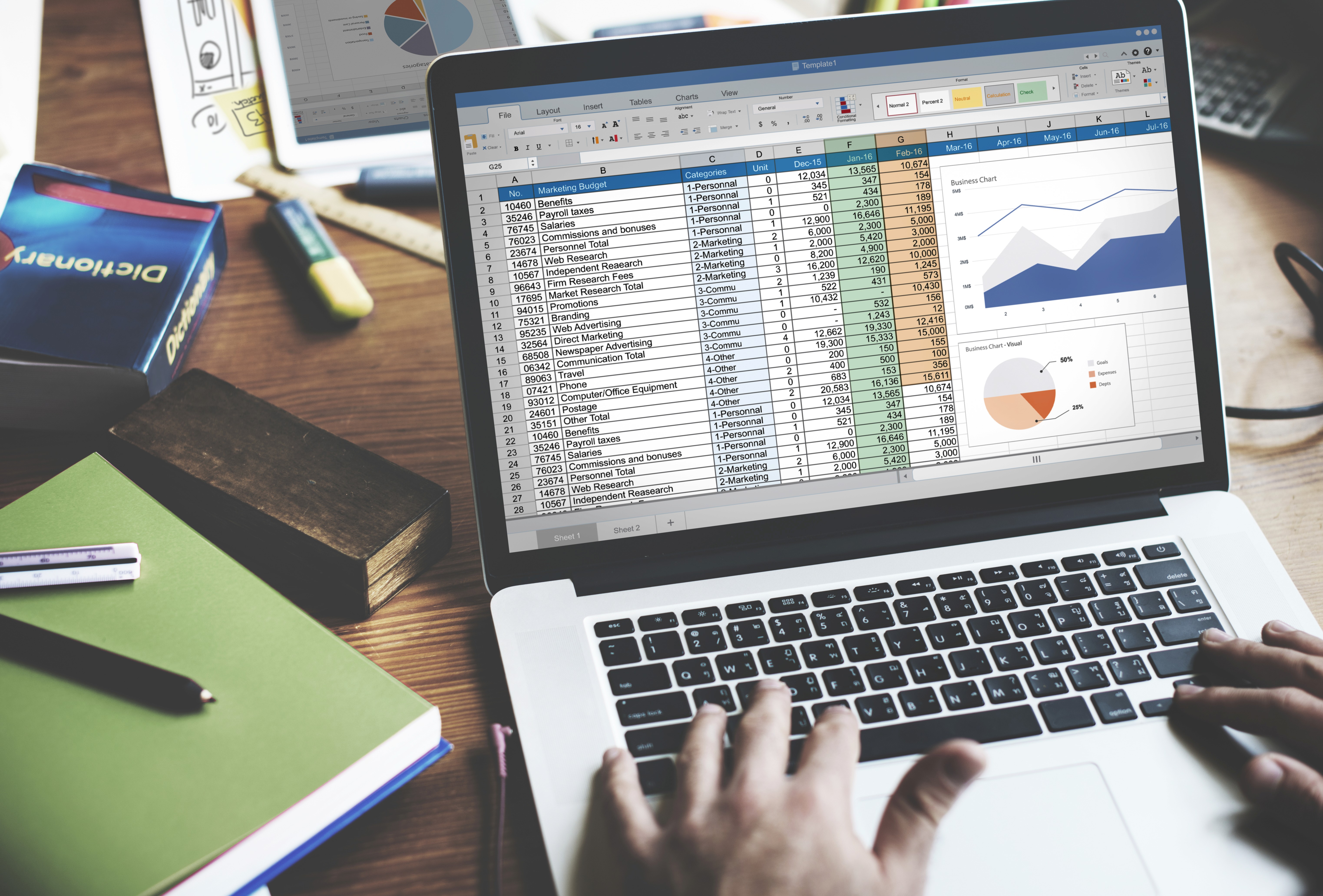
For decades, Excel has been known primarily as a spreadsheet tool used to organize numbers and perform calculations. Yet inside modern organizations, its role has evolved far beyond simple data handling. Increasingly, Excel functions as the environment where many business decisions are formed.
Over the past two decades, companies have invested heavily in enterprise systems designed to manage and structure information. Enterprise Resource Planning (ERP) platforms handle financial and operational processes, Customer Relationship Management (CRM) systems manage customer interactions, and business intelligence platforms generate dashboards and visual reports. These technologies provide essential infrastructure for storing and distributing data.
However, when professionals need to analyse information in depth, the process frequently moves into Excel.
This pattern is widely observed across organizations. Spreadsheets continue to be one of the most used tools for data analysis and reporting in business environments, particularly in finance, operations, and planning functions.¹ Even as companies adopt advanced analytics platforms, spreadsheets remain deeply embedded in day-to-day analytical work.
One reason for this persistence is flexibility. Structured systems are designed for consistency and governance, but they often limit how users can explore data. Excel provides a different environment—one where professionals can test assumptions, adjust models, combine datasets, and simulate scenarios quickly. This flexibility allows analysts and decision-makers to explore questions that may not yet be formalized within enterprise systems.
Research also suggests that spreadsheets remain central to many organizational processes. Surveys indicate that a large majority of companies continue to rely on Excel for financial planning, operational analysis, and reporting activities.² In practice, this means that while data may originate in multiple systems, the analytical work that leads to decisions often takes place within a spreadsheet.
Excel therefore occupies a unique position within the data ecosystem. Information may flow through databases, data warehouses, and dashboards before reaching business users. Once it reaches the individuals responsible for interpreting the numbers, Excel frequently becomes the workspace where insights are developed and conclusions are formed.
Academic research on spreadsheet usage has also highlighted this bridging role. In many organizations, spreadsheets function as connective tissue between different systems, helping professionals combine information from multiple sources and adapt it to specific decision-making contexts.³
This dynamic helps explain why Excel continues to endure despite the rise of newer technologies. Rather than disappearing, it has adapted alongside modern data infrastructure. Today, spreadsheets often connect directly to databases, APIs, and enterprise systems, allowing users to work with live data while maintaining the analytical flexibility that has always defined Excel.
As a result, Excel’s importance lies not only in storing or displaying numbers. Its real value emerges in the moments when professionals begin to question, test, and interpret the data in front of them.
In many organizations, Excel is not simply a spreadsheet.
It is the layer where data becomes decisions.
Sources
Imarticus Learning — Excel for Data Analysis: Importance and Applications
https://imarticus.org/blog/excel-for-data-analysis/Southern Oregon University — Excel Spreadsheets and Business Decision Making
https://online.sou.edu/degrees/business/mba/information-analysis-and-decision-making/excel-spreadsheets-business-decisions/Hermans, Felienne — Spreadsheets in the Enterprise (Research on spreadsheet use in organizations)
https://arxiv.org/abs/1111.6866
For decades, Excel has been known primarily as a spreadsheet tool used to organize numbers and perform calculations. Yet inside modern organizations, its role has evolved far beyond simple data handling. Increasingly, Excel functions as the environment where many business decisions are formed.
Over the past two decades, companies have invested heavily in enterprise systems designed to manage and structure information. Enterprise Resource Planning (ERP) platforms handle financial and operational processes, Customer Relationship Management (CRM) systems manage customer interactions, and business intelligence platforms generate dashboards and visual reports. These technologies provide essential infrastructure for storing and distributing data.
However, when professionals need to analyse information in depth, the process frequently moves into Excel.
This pattern is widely observed across organizations. Spreadsheets continue to be one of the most used tools for data analysis and reporting in business environments, particularly in finance, operations, and planning functions.¹ Even as companies adopt advanced analytics platforms, spreadsheets remain deeply embedded in day-to-day analytical work.
One reason for this persistence is flexibility. Structured systems are designed for consistency and governance, but they often limit how users can explore data. Excel provides a different environment—one where professionals can test assumptions, adjust models, combine datasets, and simulate scenarios quickly. This flexibility allows analysts and decision-makers to explore questions that may not yet be formalized within enterprise systems.
Research also suggests that spreadsheets remain central to many organizational processes. Surveys indicate that a large majority of companies continue to rely on Excel for financial planning, operational analysis, and reporting activities.² In practice, this means that while data may originate in multiple systems, the analytical work that leads to decisions often takes place within a spreadsheet.
Excel therefore occupies a unique position within the data ecosystem. Information may flow through databases, data warehouses, and dashboards before reaching business users. Once it reaches the individuals responsible for interpreting the numbers, Excel frequently becomes the workspace where insights are developed and conclusions are formed.
Academic research on spreadsheet usage has also highlighted this bridging role. In many organizations, spreadsheets function as connective tissue between different systems, helping professionals combine information from multiple sources and adapt it to specific decision-making contexts.³
This dynamic helps explain why Excel continues to endure despite the rise of newer technologies. Rather than disappearing, it has adapted alongside modern data infrastructure. Today, spreadsheets often connect directly to databases, APIs, and enterprise systems, allowing users to work with live data while maintaining the analytical flexibility that has always defined Excel.
As a result, Excel’s importance lies not only in storing or displaying numbers. Its real value emerges in the moments when professionals begin to question, test, and interpret the data in front of them.
In many organizations, Excel is not simply a spreadsheet.
It is the layer where data becomes decisions.
Sources
Imarticus Learning — Excel for Data Analysis: Importance and Applications
https://imarticus.org/blog/excel-for-data-analysis/Southern Oregon University — Excel Spreadsheets and Business Decision Making
https://online.sou.edu/degrees/business/mba/information-analysis-and-decision-making/excel-spreadsheets-business-decisions/Hermans, Felienne — Spreadsheets in the Enterprise (Research on spreadsheet use in organizations)
https://arxiv.org/abs/1111.6866